Booru Studio
A downloadable booru-browser

Booru Studio is an Electron-based desktop and web application developed and maintained by SaltedShroom.
Project Link:
https://github.com/SaltedShroom/Booru-Studio
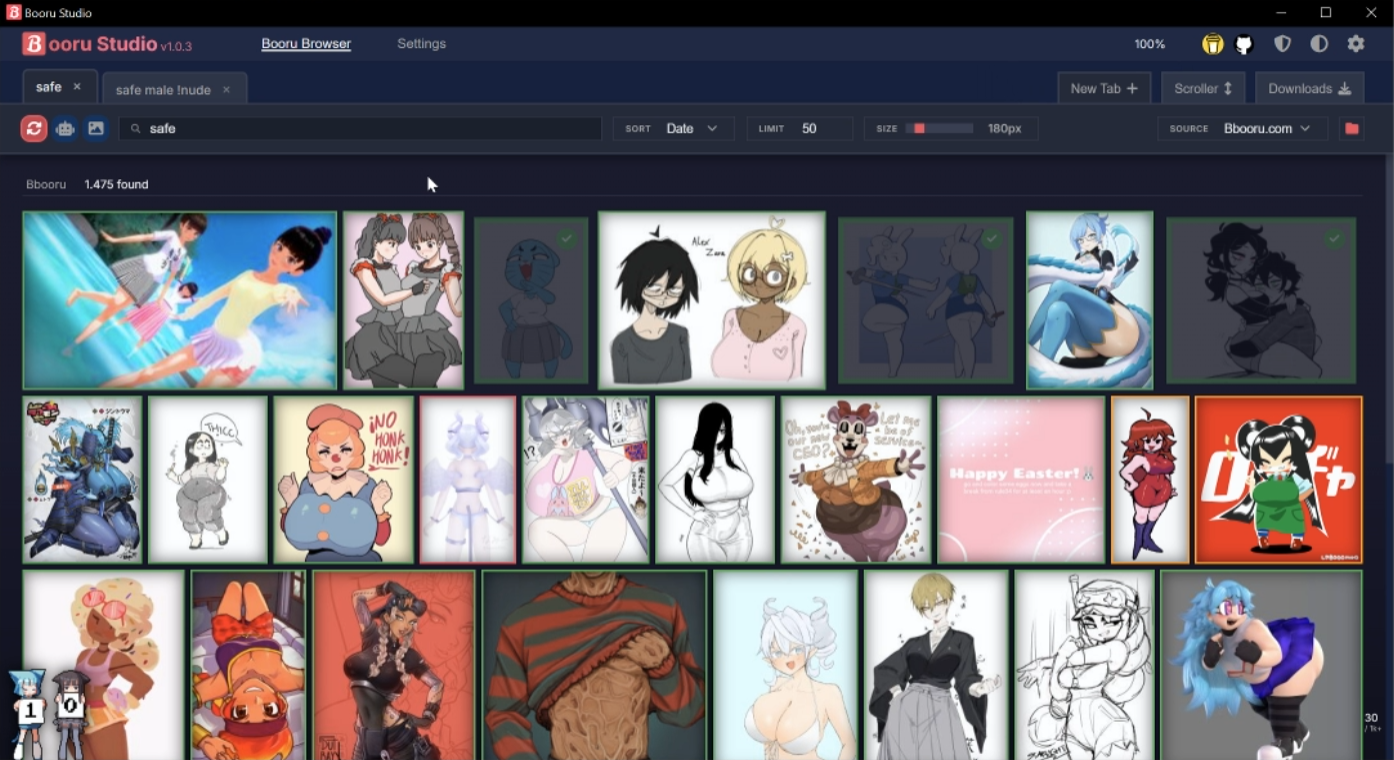
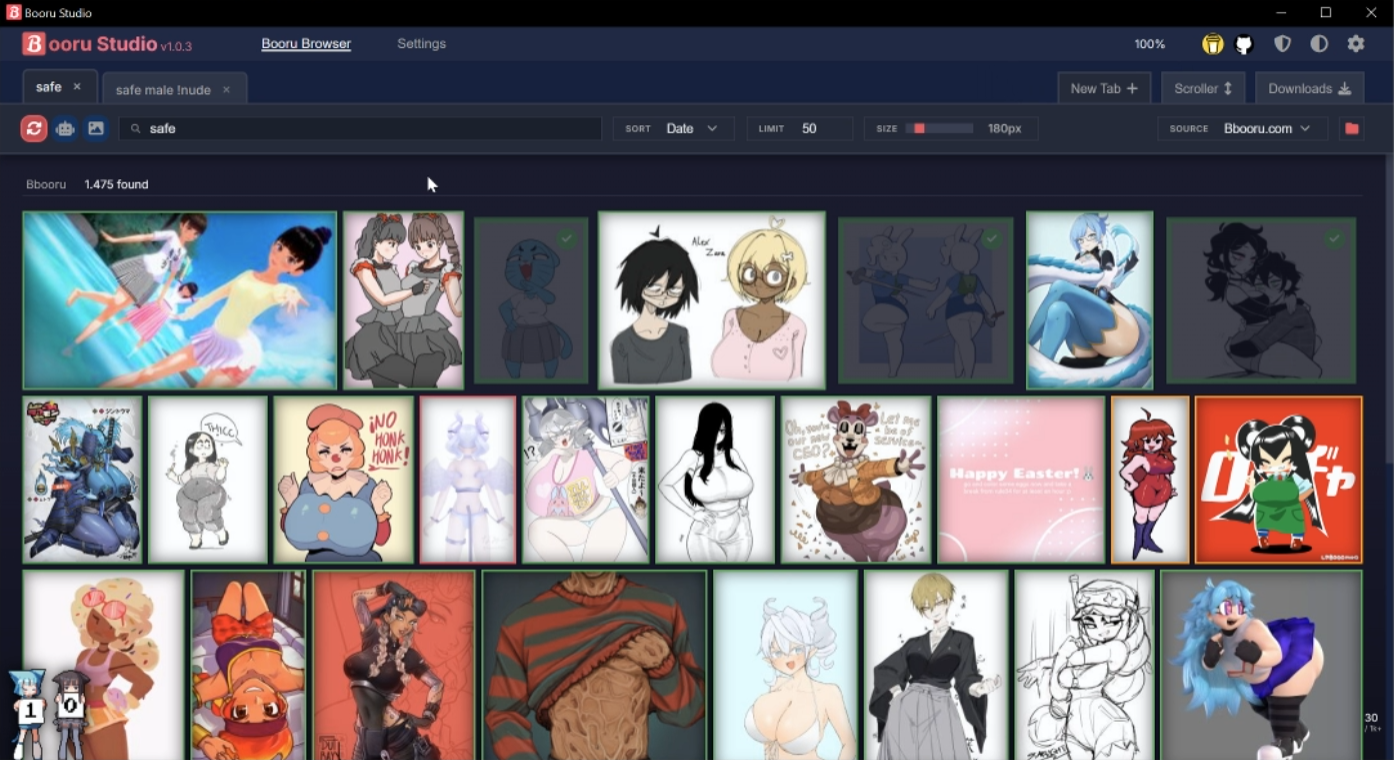
The goal with Booru Studio is to provide an all-in-one app that simplifies access to public image databases by offering a clean, easy-to-use desktop interface for searching, browsing, downloading, and managing images across multiple sources. It makes booru browsing faster and more intuitive, while also keeping galleries, downloads, artists, settings, and proxy support organized in one place.
⬇️ Downloads
to install, download the latest Setup.exe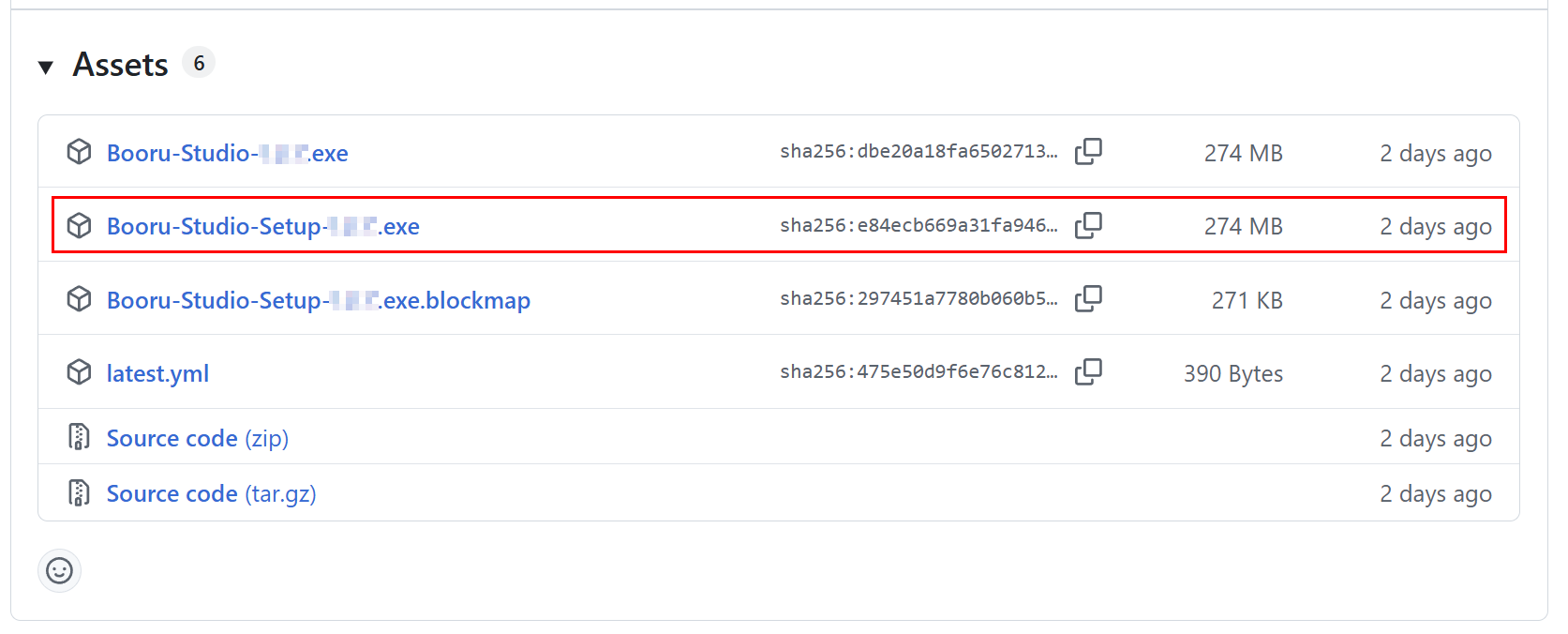
Overview
- Electron app with a local UI for booru browsing, search, and gallery management
- Supports packaging for Windows and Linux
- Built with native modules like
better-sqlite3and packaging helpers viaelectron-builder - Includes support for auto-updates via
electron-updater
Features
- Local modern desktop-App interface
- Multiple booru source and gallery management
- Vast customization settings
- Proxy support via HTTP/SOCKS agents
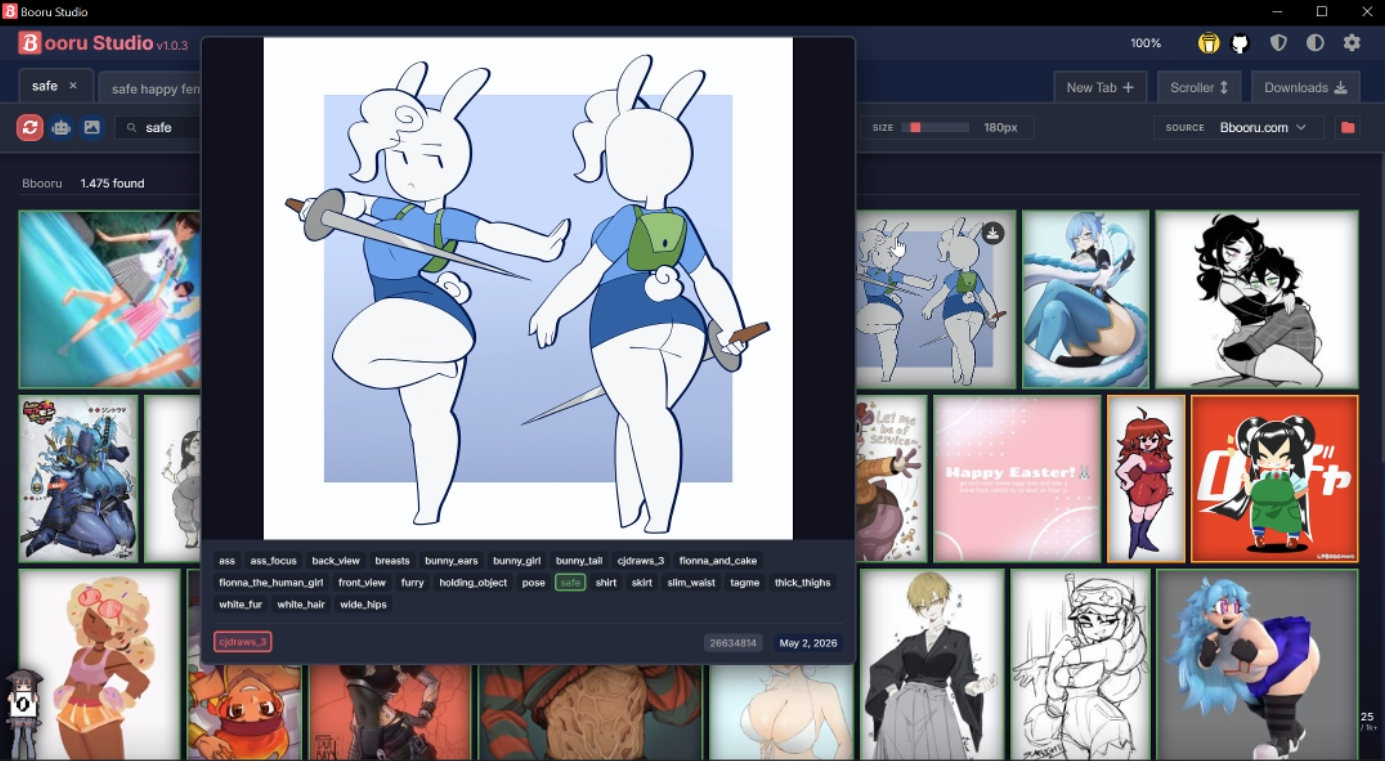
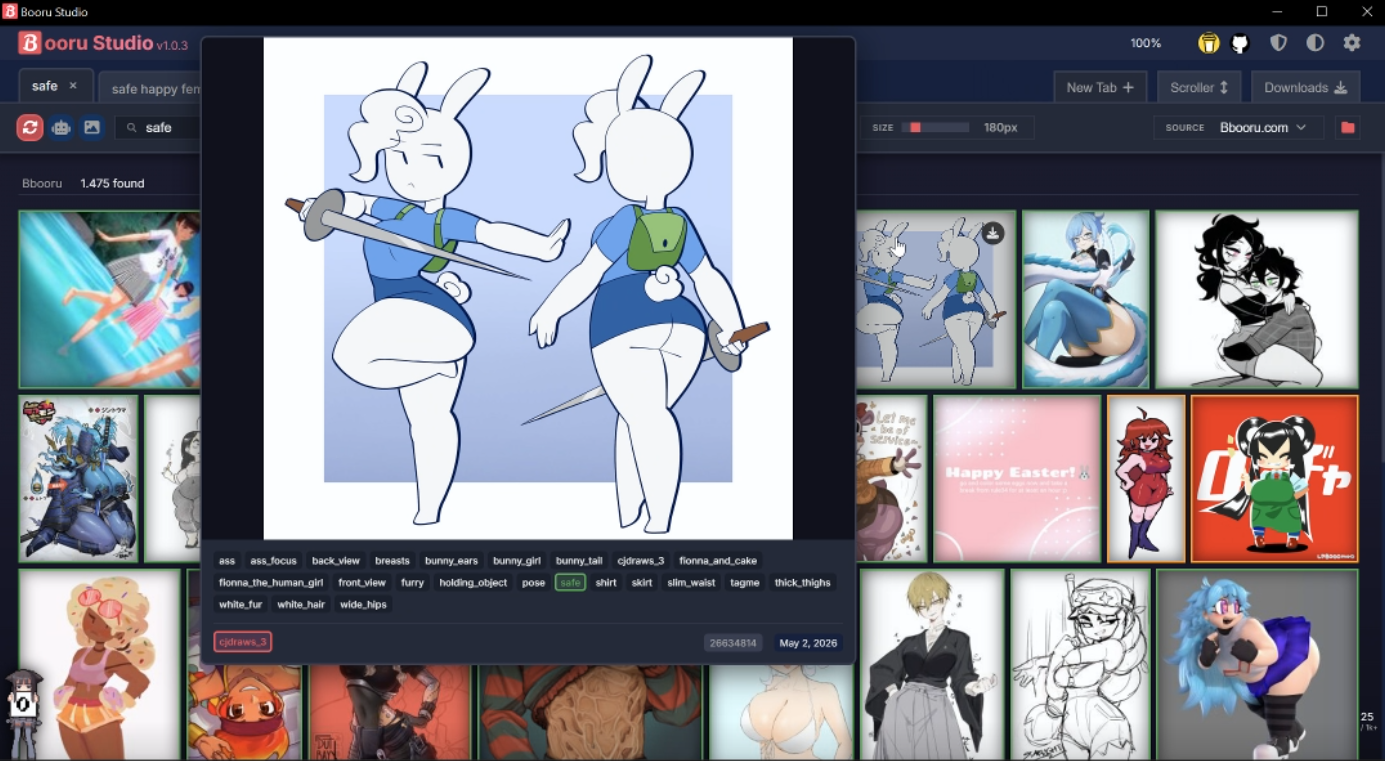
- Fast image handling and dynamic gallery layouts
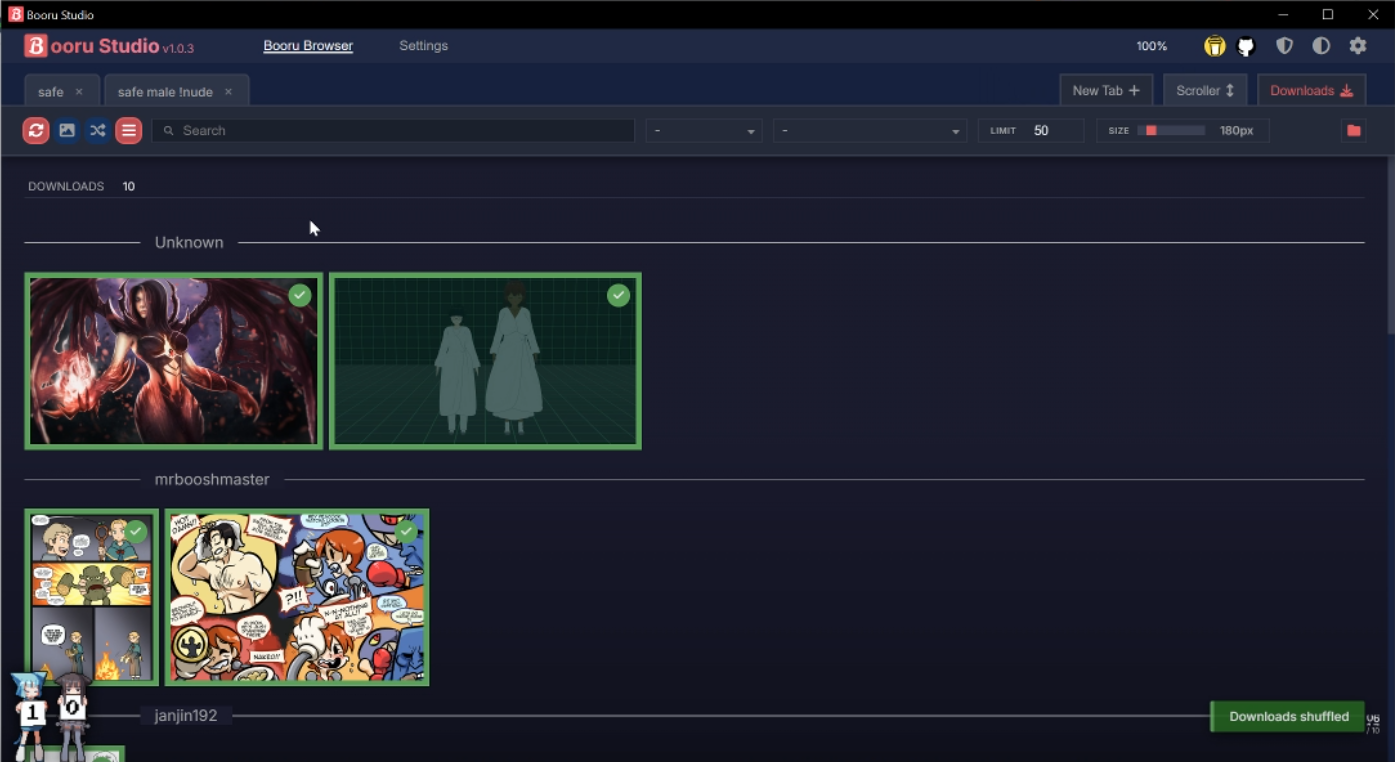
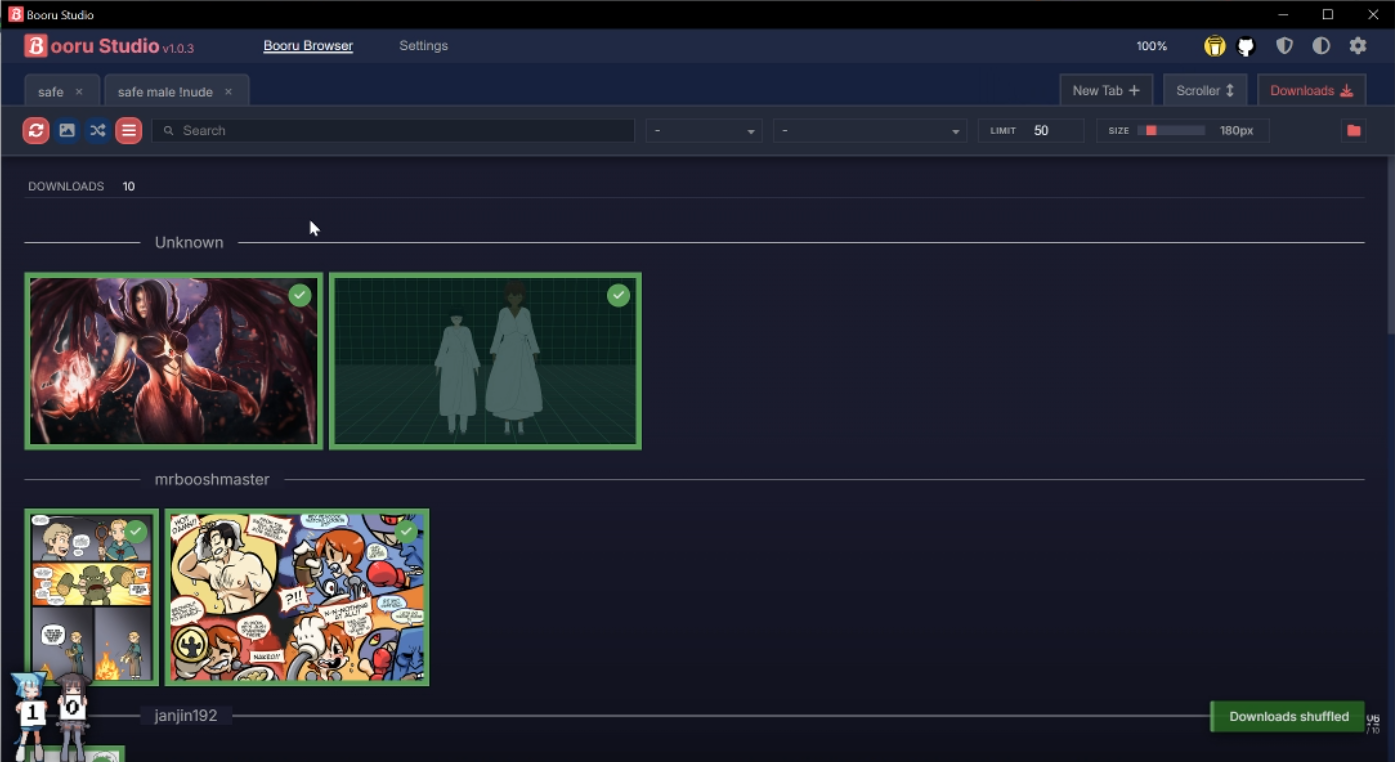
- Integrated download management interface & tools
User setup
Prerequisites
- No special prerequisites required for end users
Installation
- Download the latest installer from the GitHub releases page:
https://github.com/SaltedShroom/Booru-Studio/releases
- Run
Booru-Studio-Setup-x.x.x.exeand follow the install prompts
Updates / Releases
- Releases are published through GitHub releases
- The app will display an update button automatically when a newer release is available
- User data, downloaded files, and custom settings are preserved during updates and will not be overwritten
Leave a comment
Log in with itch.io to leave a comment.